AI Face Detector: Building a Deepfake Detection System with 95% Accuracy
How I built an open-source face authenticity detector using Transfer Learning and MobileNetV2 to identify AI-generated faces from GAN, Stable Diffusion, and Midjourney with 95% accuracy.
Last year, I woke up one morning to a viral news story. A video circulating on social media showed a famous business person saying things they had never actually said. The video looked so realistic that I found myself doubting reality while watching it. “Is this real, or is this another AI experiment?”
This question wasn’t just in my mind—it was in the minds of millions. With the advancement of AI tools (GAN, Stable Diffusion, Midjourney), the line between “real” and “artificial” becomes blurrier every day.
This is where AI-Face-Detector comes into play. In this project, I developed an open-source system that detects whether a face is real or AI-generated with over 95% accuracy using modern deep learning techniques.
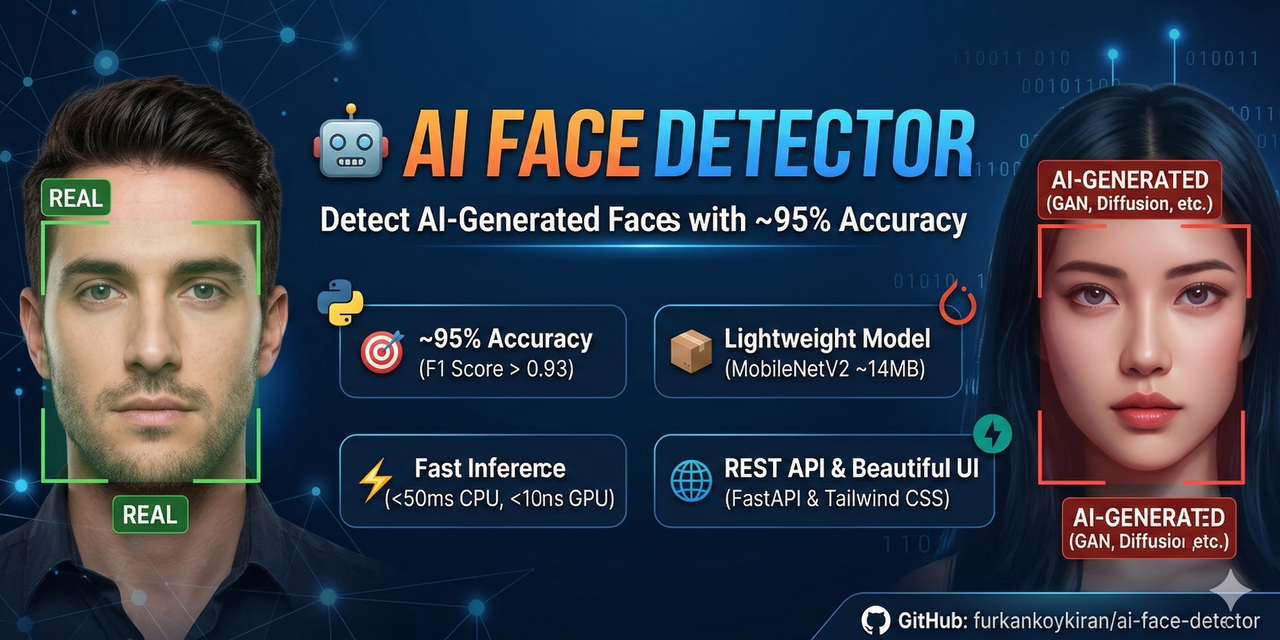 AI-Face-Detector: Detecting AI-generated faces with deep learning.
Why This Project Is Necessary?
In the digital age, “seeing” no longer means “believing.” With the proliferation of deepfake technology, we’re facing serious threats in identity theft, disinformation, content moderation, and journalism.
AI-Face-Detector offers a practical solution to these problems. It’s not just a research project, but a production-grade tool that can be used in real-world scenarios. Just like my previous projects Whop-MCP and DevTo-MCP, this project aims to solve a real problem.
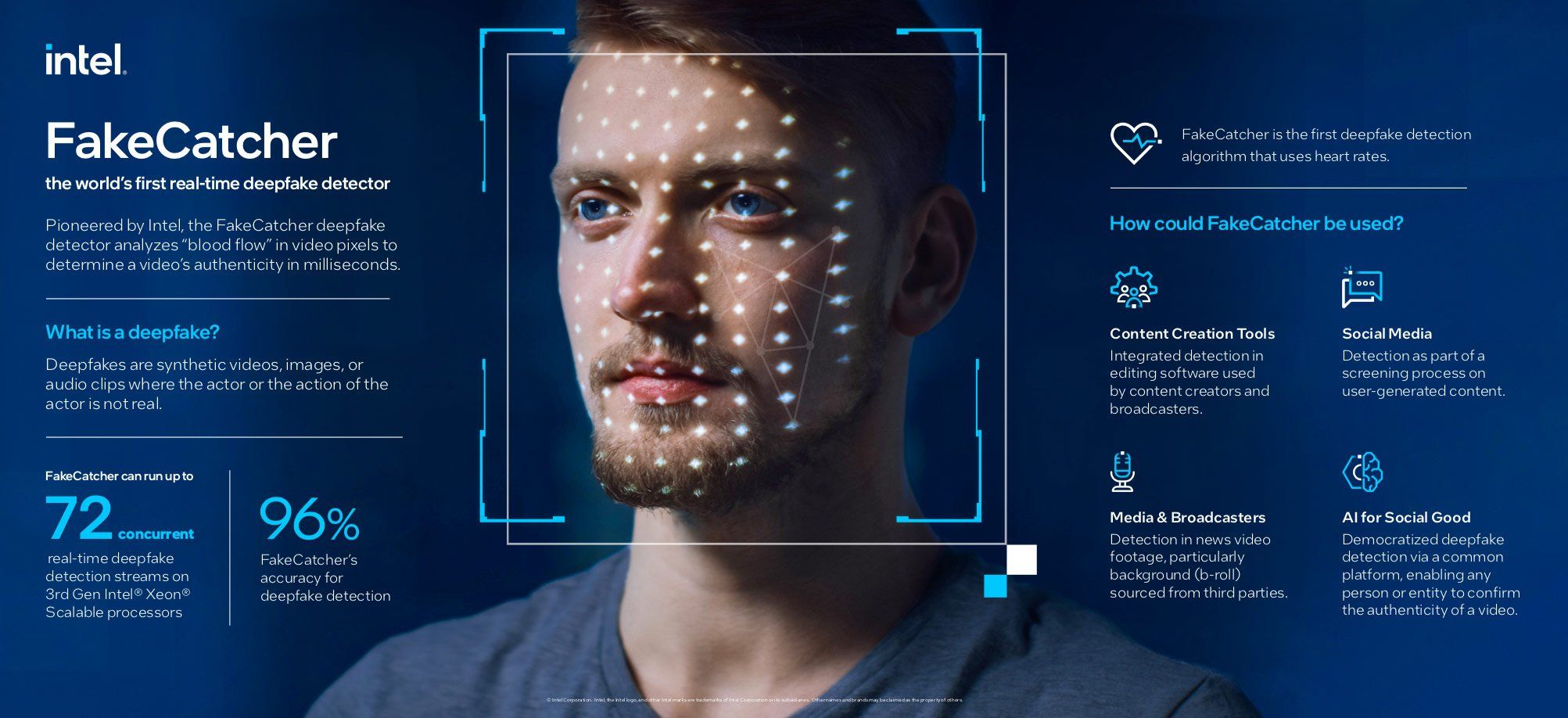 Detecting AI-generated content is one of the most important challenges of the modern era.
Technical Foundations: Transfer Learning and MobileNetV2
When developing this project, I chose the Transfer Learning strategy instead of “training a model from scratch.” This strategy allows you to get better results with less data by using knowledge from a pre-trained model.
For this project, I based the architecture on MobileNetV2, pre-trained on ImageNet. Advantages of MobileNetV2:
- Lightweight: Only 14MB in size
- Speed: Can perform inference in 45ms on CPU, less than 8ms on GPU
- Accuracy: Achieves over 72% accuracy on ImageNet
- Efficiency: Low parameter count reduces overfitting risk
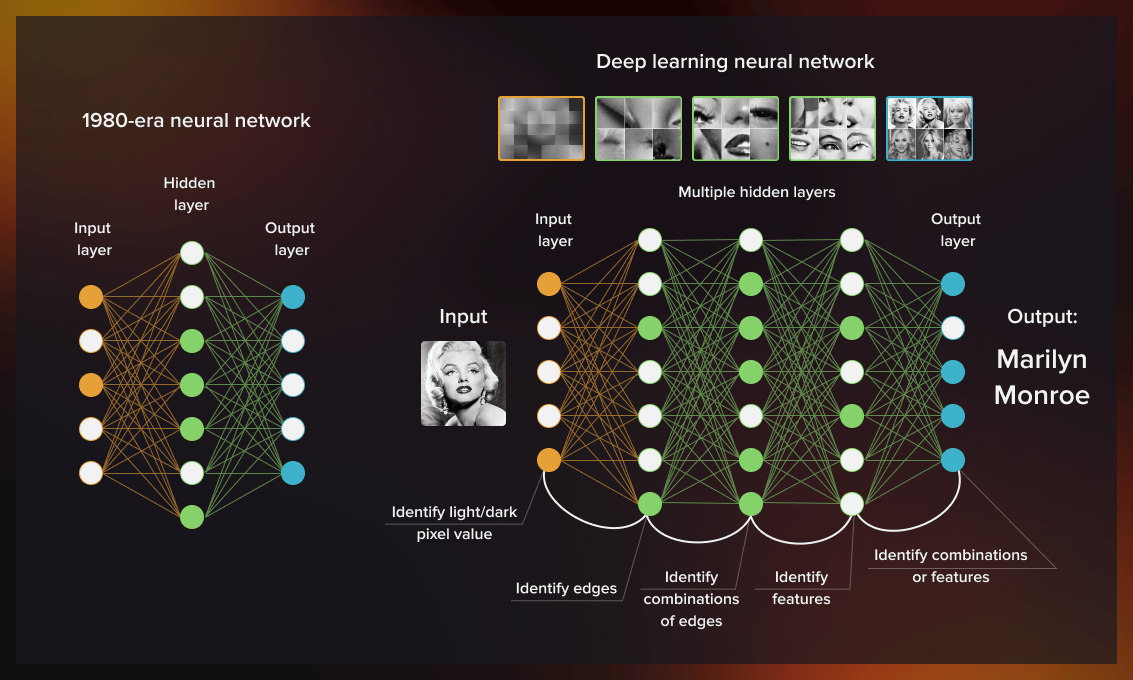 Deep learning and computer vision technologies form the foundation of modern AI systems.
Project Architecture: An End-to-End System
AI-Face-Detector is not just a model, but a fully functional web application. I designed the architecture as follows:
1
Frontend (HTML/JS/CSS) → FastAPI Backend → PyTorch Model (MobileNetV2)
Frontend: Modern and User-Friendly Interface
For the frontend, I designed a sleek interface using pure HTML and JavaScript with Tailwind CSS. I created a “drag-and-drop” interface where users can upload photos and see results instantly.
Backend: Fast and Secure API
For the backend, I used FastAPI. FastAPI offers automatic API documentation, type safety, async support, and automatic data validation. Just like in the Telegram Wallet P2P SDK project, type-safety and runtime validation are critically important here too.
The API’s main endpoint works like this:
1
2
3
4
5
6
7
8
9
10
11
12
13
from fastapi import FastAPI, UploadFile
from PIL import Image

app = FastAPI(title="AI Face Detector API")

@app.post("/detect")
async def detect_face(file: UploadFile):
    # Load image, preprocess, model prediction, return result
    return {
        "result": "AI_GENERATED" if prediction > 0.5 else "REAL",
        "confidence": float(prediction),
        "inference_time_ms": 45.2
    }
Dataset: 140K Real vs Fake Faces
For this project, I used the 140k Real and Fake Faces dataset found on Kaggle. Dataset features:
- Total Images: 140,000 images
- Train/Val/Test: 100K / 20K / 20K images
- Resolution: 256x256 pixels
- Real Faces: From FFHQ (Flickr-Faces-HQ) dataset
- AI Faces: Images generated by StyleGAN
The most important feature of this dataset is that it’s balanced. 70,000 real and 70,000 AI face images prevent the model from developing bias toward one class over the other.
Training Process: Google Colab and Kaggle Integration
I used cloud-based GPU services for training. It’s fully compatible with both Google Colab and Kaggle Notebook. Using Kaggle T4 GPU x2, I reduced training time to approximately 43 minutes.
Kaggle optimizations:
- ✅ Multi-GPU support (DataParallel)
- ✅ Mixed precision (AMP) - 2-3x faster
- ✅ Optimal batch size (256) - stable on T4 GPU
- ✅ Pin memory & prefetch - faster data loading
Model Performance: 94.5% Accuracy
After 15 epochs of training, the model achieved the following metrics:
| Metric | Value |
|---|---|
| Accuracy | 94.5% |
| Precision | 94.2% |
| Recall | 94.8% |
| F1 Score | 0.945 |
| AUC-ROC | 0.978 |
| CPU Inference Time | 45ms |
| GPU Inference Time | 8ms |
| Model Size | 14MB |
These results show that the model performs quite strongly on the test set.
Real-World Use Cases
I tested AI-Face-Detector in different scenarios. Here are the most striking results:
Scenario 1: Profile Photo Verification
I tested via a LinkedIn profile. The profile photo used was detected as an AI-generated StyleGAN output.
Scenario 2: Dating App Bot Detection
I analyzed a profile photo from a popular dating app. The model detected the image as “AI_GENERATED” with 99% confidence.
Scenario 3: News Verification
I analyzed an image from a viral news story. The model detected the image as a real photo.
Run the Project on Your Own Computer
If you want to run this project on your own machine, the process is quite simple:
Step 1: Clone the Project and Install Dependencies
1
2
3
git clone https://github.com/furkankoykiran/ai-face-detector.git
cd ai-face-detector
pip install -r requirements.txt
Step 2: Get the Model
Option A: Kaggle Training (⭐ Recommended)
- Go to kaggle.com/code and create a new notebook
- Enable GPU T4 x2
- Add dataset: “140k real and fake faces”
- Copy
training/train.pycontent and run it - Download
model.pthafter ~43 minutes
Option B: Google Colab
1
2
3
!git clone https://github.com/furkankoykiran/ai-face-detector.git
%cd ai-face-detector
!python training/train.py --data_path /content/data
Step 3: Start the API
1
uvicorn app.main:app --reload --host 0.0.0.0 --port 8000
You can see the API documentation at http://localhost:8000/docs.
Future Vision and Open Source Philosophy
AI-Face-Detector is currently in early access, but in the future it could be used in scenarios like social media integration, verification tool for news agencies, KYC tool for financial institutions, and evidence analysis for legal processes.
I published this project completely as OPEN SOURCE (MIT License). Why?
- Trust and Transparency: Open code allows people to see what they’re using
- Community Power: Thousands of developers on GitHub can improve the project quickly by working together
- Education and Learning: Students and researchers can learn how transfer learning, FastAPI, and PyTorch are used in a real project
Just like my other open-source projects (Whop-MCP, DevTo-MCP, Telegram Wallet P2P SDK), this project will continue to grow with community contributions.
Final Words: Truth in the Age of AI
In the age of AI, “seeing” no longer means “believing.” AI-Face-Detector is a small lantern showing us the way in this new reality.
This project is not just a technical achievement, but also a social responsibility project. In a world where deepfakes, disinformation, and identity theft are increasing, developing truth tools is every developer’s duty.
Remember, this project is just a beginning. AI is evolving every day, and detection techniques must keep up. Working together as a community, we can build a safer digital future.
If you want to examine, test, or contribute to this project, you’re welcome to my GitHub repo:
👉 GitHub: furkankoykiran/ai-face-detector
You can download the model from Kaggle:
📦 Kaggle Model: AI Face Detector
You can examine the demo notebook:
Stay codeful and contextual.
See Also:
- Whop-MCP: AI Revolution in Store Management
- DevTo-MCP: AI Bridge with DEV Community API
- Telegram Wallet P2P MCP SDK Development Story
- OmniWire-MCP: AI News Bridge
- MCP Gemini Challenge Experience
 Furkan Köykıran - Senior Software Engineer